
Private Voice Cloning
Begin Voice Cloning with your own voice or a speaker who explicitly authorized the clone. Sign in, complete the right-to-use attestation, validate the reference, and test the private voice identity before export.
Sign-in required · Rights attested · Account-only model · MP3 review
- Suggested reference length for a cleaner clone
- 10-60s
- Quality modes covering drafts and polished output
- 2
- Language groups your cloned voice can speak
- 6
- Export format for approved cloned-voice takes
- MP3
What Private Voice Cloning Requires Before Generation
A reference supplies the vocal evidence used to build a speaker for different words. Fish Voice binds that resulting private model to the signed-in account instead of publishing it in the catalog.
Authorization is the first input decision. Use your own voice or a speaker who explicitly authorized the clone, then choose a clean recording whose speech is easy to hear.
The consent checkpoint blocks model creation until you attest to the right to use that voice. Uploading a file does not substitute for the speaker's permission.
After creation, challenge the private voice identity with names, pacing, and another language you intend to use. Compare the render, correct the source, and download only an approved take.
When speaker continuity does not justify a private model, begin with text to speech to compare public candidates without submitting a reference recording.
From Authorized Reference to a Tested Private Speaker
The demonstration shows the actual gates in order: supported input, a right-to-use attestation, account-bound model creation, and playback of newly generated speech.
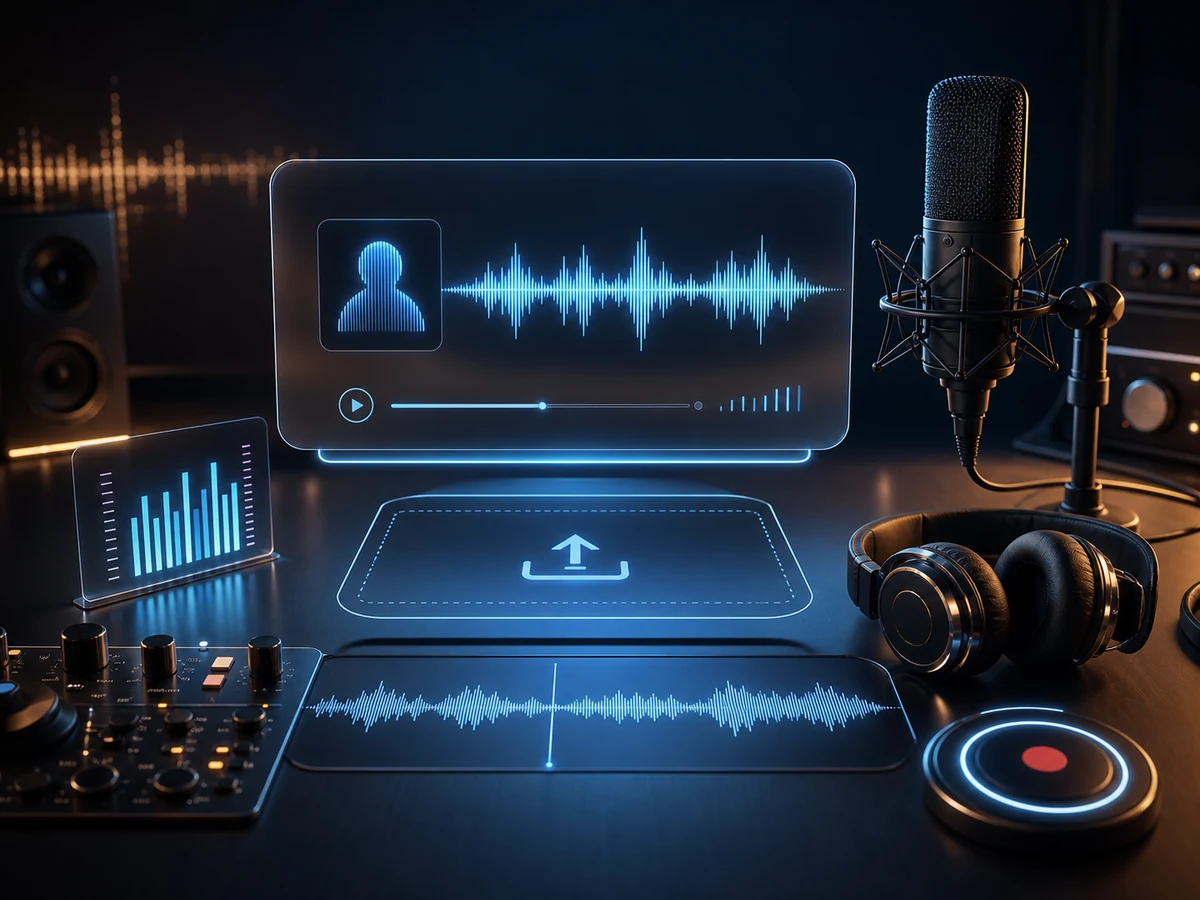
Add a reference voice
Record in the browser or select authorized MP3, WAV, or M4A speech, then resolve any duration, size, or validation issue shown at the input.
Attest to voice authorization
Complete the right-to-use attestation only for your own voice or a speaker who explicitly authorized the clone.
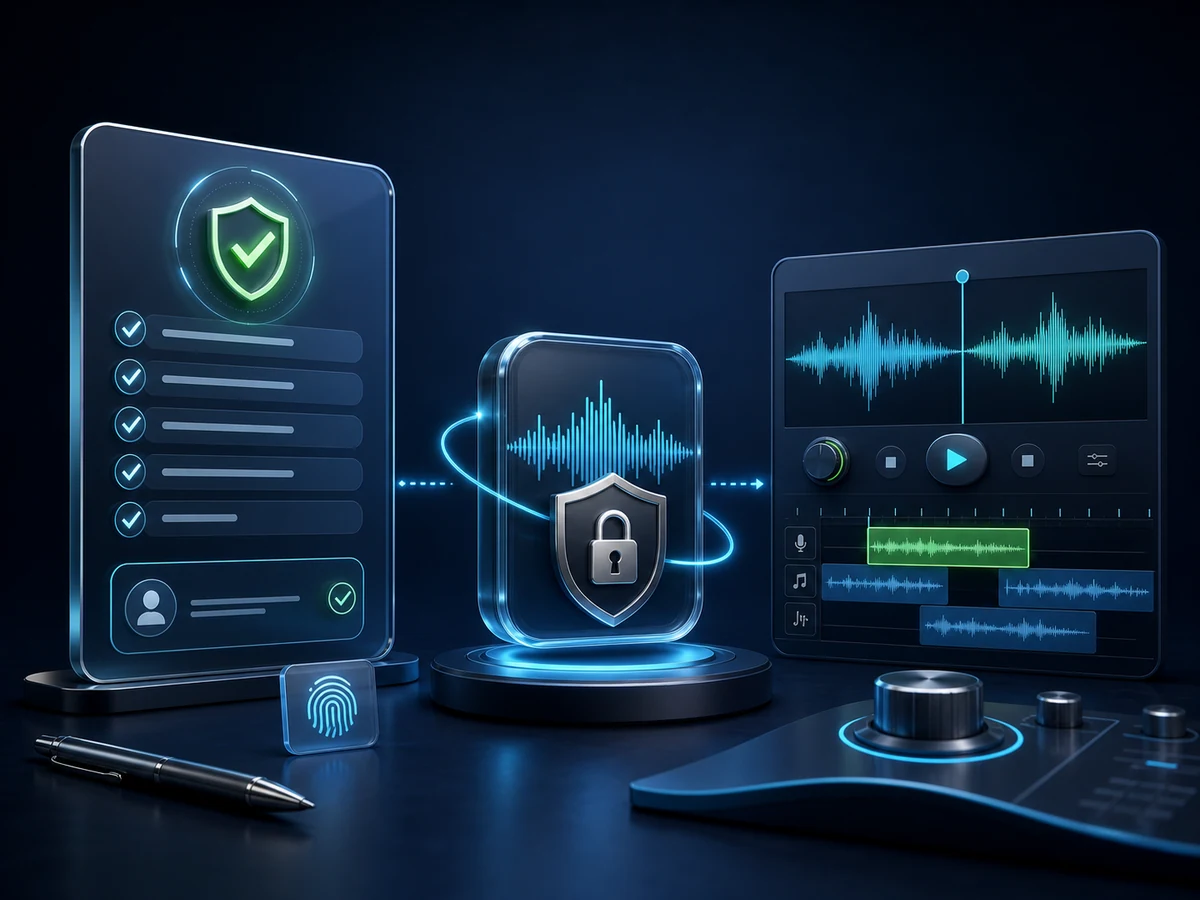
Render controlled takes
Give the account-only speaker a difficult new line, compare its pronunciation and tone, then export the pass you accept.
Controls Around an Account-Only Cloning Model
Private cloning is organized around authorization and repeat use: validate a cleared source, attest to consent, create inside the account, and inspect each generated line.
Launch voice cloningPrivate model storage
The model belongs to your private collection, ready for authorized replacement lines without appearing among public voices.
Rights come first
Fish Voice does not enable creation until the signed-in user submits a right-to-use attestation for their own voice or a speaker who explicitly authorized the clone.
Draft and final render options
Use the faster option to expose input problems, then choose the expressive multilingual option when the project needs a more polished review pass.
Browser recording or upload
Capture authorized speech with the built-in recorder or upload a supported file; validation occurs before the request can proceed.
Source audio to suit the job
Prepare MP3, WAV, or M4A speech at a steady level with minimal noise, following the duration and size rules displayed in the workspace.
Reusable cloned speech takes
Return to the authorized model for corrections, but review every new render; a saved speaker does not guarantee that new wording will sound right.
Cloning a Voice in Four Steps
The order matters: attest to the right to use the voice, prove the reference meets input rules, create the account-only model, then test unfamiliar text and approve an output.
- 01
Upload cleared source audio
Use your own or explicitly authorized speech, keep the speaker clear of music and noise, and follow the displayed upload requirements.
- 02
Submit the right-to-use attestation
Proceed only with your own voice or a speaker who explicitly authorized the clone; otherwise stop before creating anything.
- 03
Build the private model
After the reference passes validation, spend the shown credits to create a model stored only in your signed-in collection.
- 04
Generate and export
Test a new sentence containing real project vocabulary, listen for identity and pronunciation problems, and download the accepted MP3.
When an Authorized Speaker Must Return After Recording
Choose private cloning for repeat work where the same permitted speaker is essential and future text changes are expected; public or designed voices cover other casting needs.
Long-form narration clones
With narrator authorization, maintain chapter continuity while handling pronunciation fixes and changed passages after the live session.
YouTube and video voiceovers
Use a creator-approved model for pickups, testing each replacement beside the picture and the surrounding original narration.
Podcasts and intros
Generate only host-authorized intros, corrections, or recurring labels, and compare their delivery with the recorded episode before insertion.
E-learning and training
A permitted instructor model can revise one identified lesson unit while the course owner checks terminology against the approved script.
Ads and marketing
Test authorized brand-speaker variants after claims and offers are approved, keeping an external record of which line passed review.
Game characters
For an original character whose voice rights are cleared, audition branch changes in the build with subtitles, animation, and mix.
Localized dubbing tests
Evaluate whether an authorized model handles translated terminology in supported languages before treating it as a cross-market continuity choice.
Personal access voices
Use your own recording to create familiar private speech, then review each read-aloud line for accuracy before sharing it.
Voice Cloning for Supported Languages
Private models can be tested with supported English, Chinese, Japanese, Korean, Spanish, and Portuguese scripts. Use actual translated names and phrases to verify how one voice carries across them.
English
US plus international accents.
Chinese
Mandarin for every register.
Japanese
Pitch-accent that sounds natural.
Korean
Crisp, modern Seoul standard.
Spanish
Spanish voices across regional accents.
Portuguese
Brazilian Portuguese voices for natural speech.
Voice Cloning FAQ
Plan the model with clear answers about speaker rights, account access, source validation, credit use, private storage, language testing, and publication review.
What does Voice Cloning create from a reference I attest I may use?
Fish Voice validates the submitted recording as an input and creates a private model in your account. After the right-to-use attestation, that model can render different written lines for review.
Which gates appear before I can test new words?
Sign in, provide reference audio for your own voice or a speaker who explicitly authorized the clone, pass the displayed input validation, submit the right-to-use attestation, and create the model with credits before entering test copy.
What makes a useful cloning reference?
Prepare clean natural speech with a steady level and little background noise. The workspace shows current duration rules; the page suggests a 10-60s reference rather than guaranteeing every file will pass.
How does Fish Voice validate an uploaded source?
The input accepts MP3, WAV, and M4A or a browser recording. Duration and file-size rules are displayed at upload and enforced by the server before model creation.
Whose voice am I allowed to model?
Only your own voice or one whose speaker gave explicit permission. The required consent checkpoint does not grant rights and cannot make an unauthorized recording acceptable.
Where do credits enter the private-model workflow?
Both model creation and speech generation use Fish Voice credits. Check the current cost and account balance in the workspace before creating, then compare plans or packs if capacity is insufficient.
How should I evaluate multilingual output?
The current flow supports English, Chinese, Japanese, Korean, Spanish, and Portuguese output. Test the authorized model with real translated terminology and have each language reviewed rather than assuming identity alone ensures accuracy.
When should I switch between the two quality modes?
The faster mode suits an early input check. The expressive multilingual mode is recommended for a more polished candidate; both still require listening and approval in the same controls.
What must be checked before commercial release?
You need rights to the modeled voice and all project material, and use remains subject to Fish Voice terms and plan limits. Verify client approval and current requirements before publication.
Where can I find a model after creation?
The model is stored in your private account collection, not the public library. Manage it under My Voice Models and reuse it only for authorized scripts.
Why does private cloning require sign-in?
Creation spends account credits and must store the model in a private collection, so sign-in is required. Public catalog samples can be auditioned before making that decision.
Build Your Private Voice Identity
Sign in with a recording of your own voice or a speaker who explicitly authorized the clone, complete the right-to-use attestation, and create an account-only speaker for authorized text.