
Natural Text to Speech in Your Browser
Start text to speech with the exact words people will hear. Compare speakers, check names and timing, revise the source, and save the approved MP3.
Browser based · Directed · Multilingual · Export ready
Need directed speech tags, five Grok voices, or format-level control?
Explore Grok TTS
- Public voice styles available to audition
- 300+
- Language groups in the current catalog
- 6
- Sample characters for fast voice checks
- 120
- Export format for every approved take
- MP3
What Text to Speech Produces and What You Still Review
Text to speech supplies a spoken take from written input. It does not decide whether the chosen speaker, pace, pronunciation, and emphasis fit the final context; those choices remain with the editor.
Prepare a control excerpt before the full script. Include a proper noun, a number, and the longest sentence so an early audition reveals the most expensive problems first.
Browser generation keeps corrections close to the source. When an instruction or scene changes, update that specific block, render a replacement, and compare it with the accepted audio around it.
Begin with public voices when speed matters. A designed synthetic speaker answers an original direction, while a private clone is appropriate only when you control or have permission for its recording.
Need a recurring private speaker? Continue with voice cloning after confirming permission for the source voice.
Watch the Text to Speech Workflow
The demonstration follows a single approval path: prepared input, a deliberate speaker choice, critical playback, and an MP3 ready for the project.
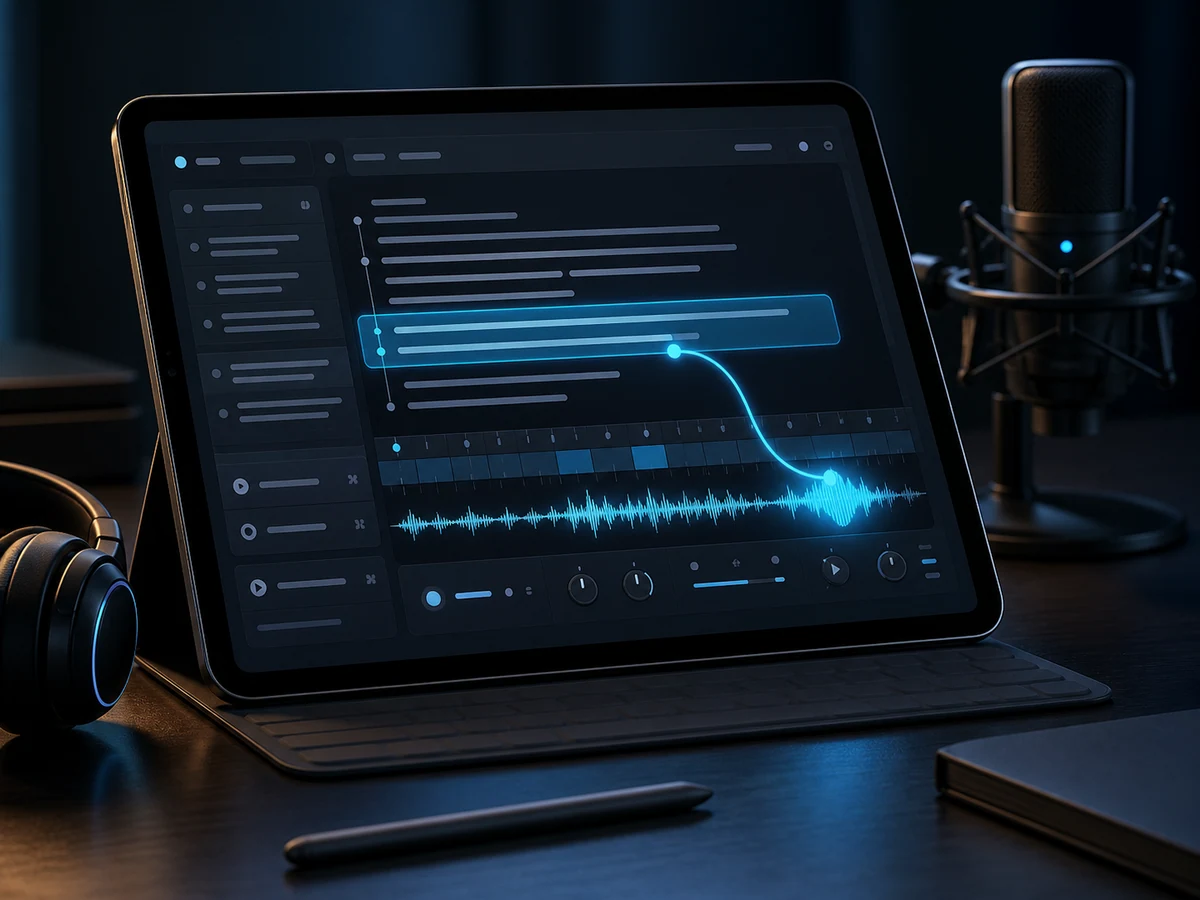
Write the line
Paste final spoken copy rather than notes for the editor, and mark names, abbreviations, or numbers that require special attention.

Direct the delivery
Use one revealing excerpt to compare public candidates in the target language before spending credits on longer material.
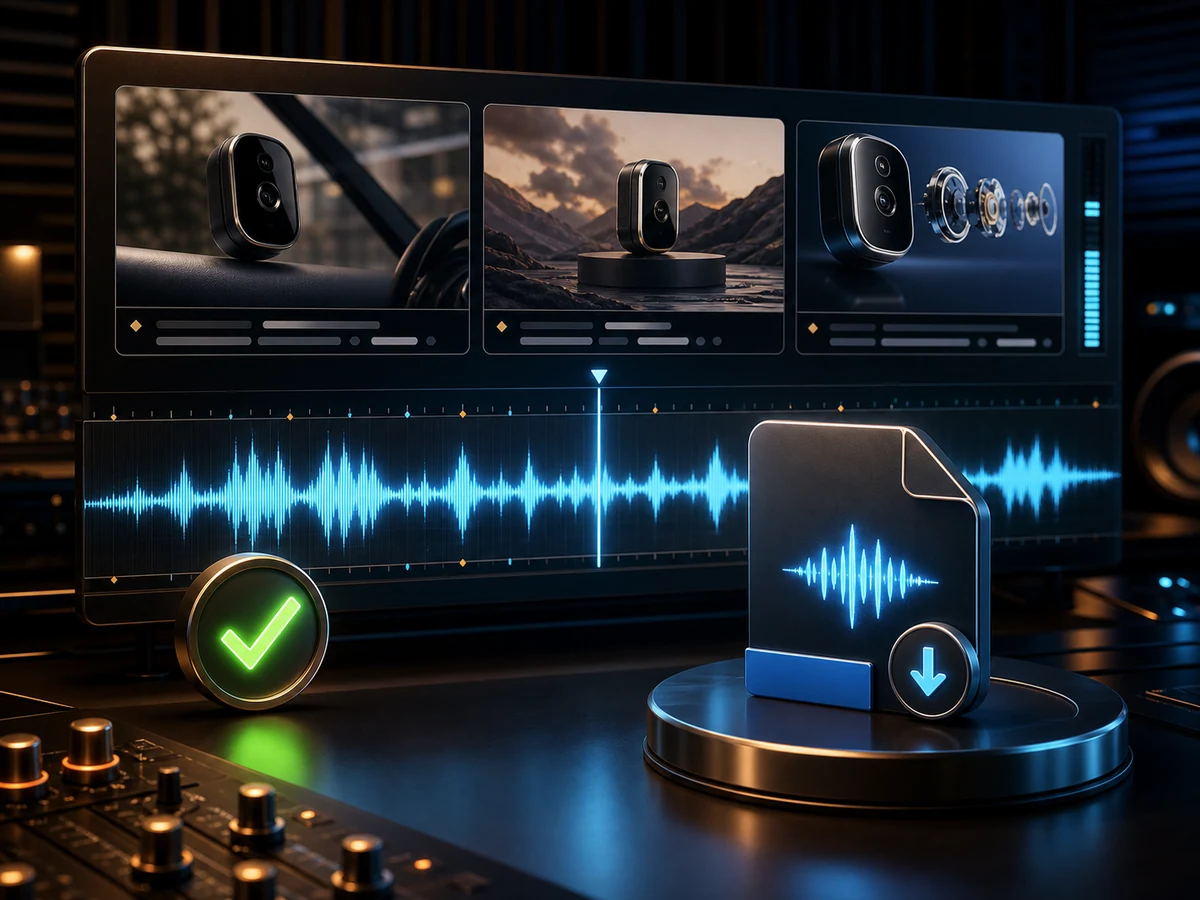
Approve the audio
Listen beside the destination, correct the input when delivery fails, and download the accepted render as an MP3.
Text to Speech Controls for Repeatable Editorial Checks
Fish Voice keeps input, auditions, playback, and prior generations together, making every replacement traceable to a change in the written source.
Launch text to speechDelivery you steer
Casting and punctuation affect the read differently. Test each change separately so you know whether the speaker or the sentence solved the problem.
Built for multilingual scripts
Audition actual translated terminology in English, Chinese, Japanese, Korean, Spanish, or Portuguese before approving narration for a localized screen or lesson.
Practical speaker shortlists
Filter the public library, select a small candidate set, and run the same control line through each option for a fair comparison.
Assets ready to export
Playback supports approval before export, while generation history helps a later replacement follow the voice used in an earlier file.
Low-cost preview passes
Spend the first pass on the toughest sentence. A small test catches casting and pronunciation issues before a full section consumes more credits.
Designed voices for gaps
Describe an original speaker when the catalog misses the brief, or choose an account-only clone built from an authorized recording.
How to Turn Text into Speech
Four checkpoints turn written material into a usable asset: prepare risky language, cast against it, inspect the render in context, and export after approval.
- 01
Write the script
Divide the copy at natural revision points and include the names, acronyms, numbers, and punctuation the audience must hear correctly.
- 02
Pick a voice direction
Audition a catalog profile, select an authorized private model, or direct an original synthetic speaker according to the project need.
- 03
Render a directed take
Generate a small section and listen with its intended visual or interaction, checking terminology, pauses, and overall duration.
- 04
Approve and download
Correct the source or casting choice, regenerate the affected section, and download the MP3 only after the new pass is accepted.
Projects That Benefit from Script-Level Audio Revisions
Text to speech is most practical when work arrives as reviewable text units and later corrections should replace one audio segment rather than restart production.
Short video narration
Render by scene, place takes against picture, and replace the hook or transition whose timing no longer matches the cut.
E-learning and training
Tie each narration block to a slide or lesson ID so a policy update produces one clearly identified replacement file.
Podcasts and intros
Keep introductions, approved sponsor copy, corrections, and transitions as separate modules that can be checked beside the host recording.
Long-form spoken stories
Cast with a passage containing dialogue and difficult terms, document pronunciation decisions, and approve output in named chapter sections.
Read-aloud access tracks
Mirror the approved source in reading order, verify headings and links, and offer the audio as a companion rather than a replacement.
Ads and marketing
Hold the voice steady while reviewers compare authorized claims, offers, and calls to action across several script variants.
IVR and voice agents
Render complete interaction branches, listen for ambiguous choices or excessive duration, and repair the prompt before engineering integration.
Games and characters
Put original character lines into the build early, evaluating subtitles, animation, triggers, and mix before dialogue approval.
Text to Speech in Six Language Groups
The current catalog groups English, Chinese, Japanese, Korean, Spanish, and Portuguese voices. Confirm the target language and audition project terminology before scheduling a localized production batch.
English
Accents from the US and beyond.
Chinese
Mandarin tuned to every register.
Japanese
Natural pitch-accent reads.
Korean
Modern, clear Seoul standard.
Spanish
Spanish voices across regional accents.
Portuguese
Brazilian Portuguese voices for natural speech.
Text to Speech FAQ
Answers for preparing source text, choosing a speaker, understanding account limits, checking rights, and deciding when generated speech is ready to leave Fish Voice.
What decisions remain after text becomes speech?
The conversion produces a take, not a final editorial verdict. You still need to verify casting, timing, pronunciation, meaning, and fit with the destination before export.
How can a new account test a speaker choice?
Welcome credits support short text to speech auditions. Use a difficult control line first; subscriptions and prepaid credit packs provide capacity for longer copy and other voice workflows.
What is a reliable script-to-audio sequence?
Prepare sectioned copy, compare candidates on one excerpt, render a controlled pass, listen in context, and regenerate only the section that fails review.
How should I judge whether a read sounds natural?
Do not rely on a catalog sample. Play your own sentence and inspect pauses, emphasis, names, and sentence length, because those input choices affect the delivery.
Which language groups can I audition now?
Fish Voice currently lists English, Chinese, Japanese, Korean, Spanish, and Portuguese options. Check the public library for available speakers and test the translated terminology itself.
What happens to an accepted take?
Download the approved MP3 for the project. Generation history keeps a reference to earlier output when later copy needs a related replacement.
What should I clear before commercial publication?
Review the Fish Voice terms and current plan limits, hold rights to the script and other source material, and use private clones only with the voice owner's authorization.
When is a private model an appropriate speaker source?
Use a private model for your own voice or a speaker who explicitly authorized the clone. After creation, the account-only model can be selected for new scripts.
How is TTS different from the wider voice workspace?
TTS is the written-input conversion. Fish Voice also provides catalog auditions, designed voices, authorized private models, playback, exports, and generation history around that step.
What are the browser and account requirements?
The editor needs no desktop installation. Generation requires an account, uses welcome or paid credits, and connects saved private voices with generation history.
Render a Directed Text to Speech Take
Bring the sentence that carries the most risk, audition it with a public voice, and download only after pronunciation and timing pass review.